AI Passport Photo Maker
Create ID Photos Instantly
Upload your photo and AI will remove the background, add the correct background color, and crop to standard 3:4 ratio. Perfect for passports, visas, and IDs.
ID Photo Examples
See how AI transforms photos into professional ID photos
Passport Style (White)
Clean white background for passports, visas, IDs

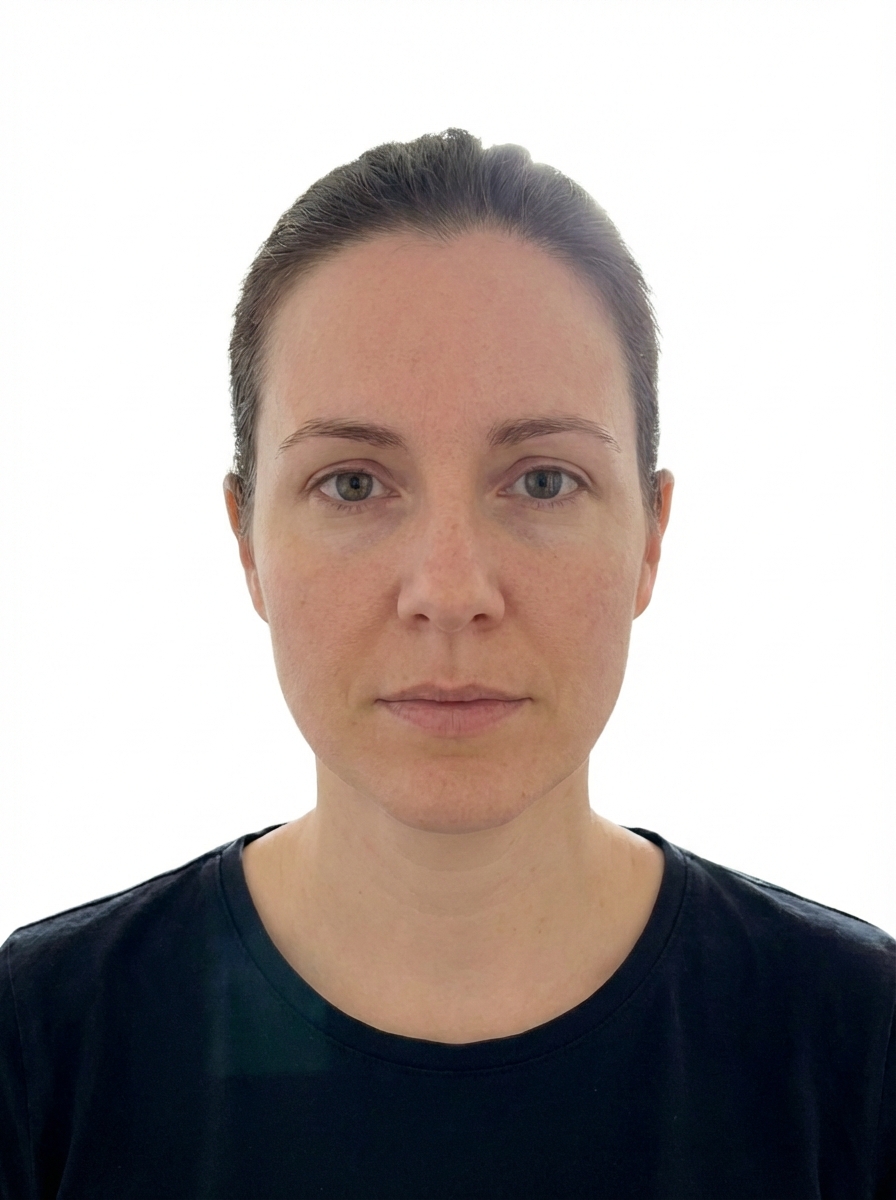
Professional ID (White)
Crisp white background for resumes and profiles


Student ID (Blue)
Blue background often used for student registration


Employee ID (Blue)
Blue background for work badges and access cards


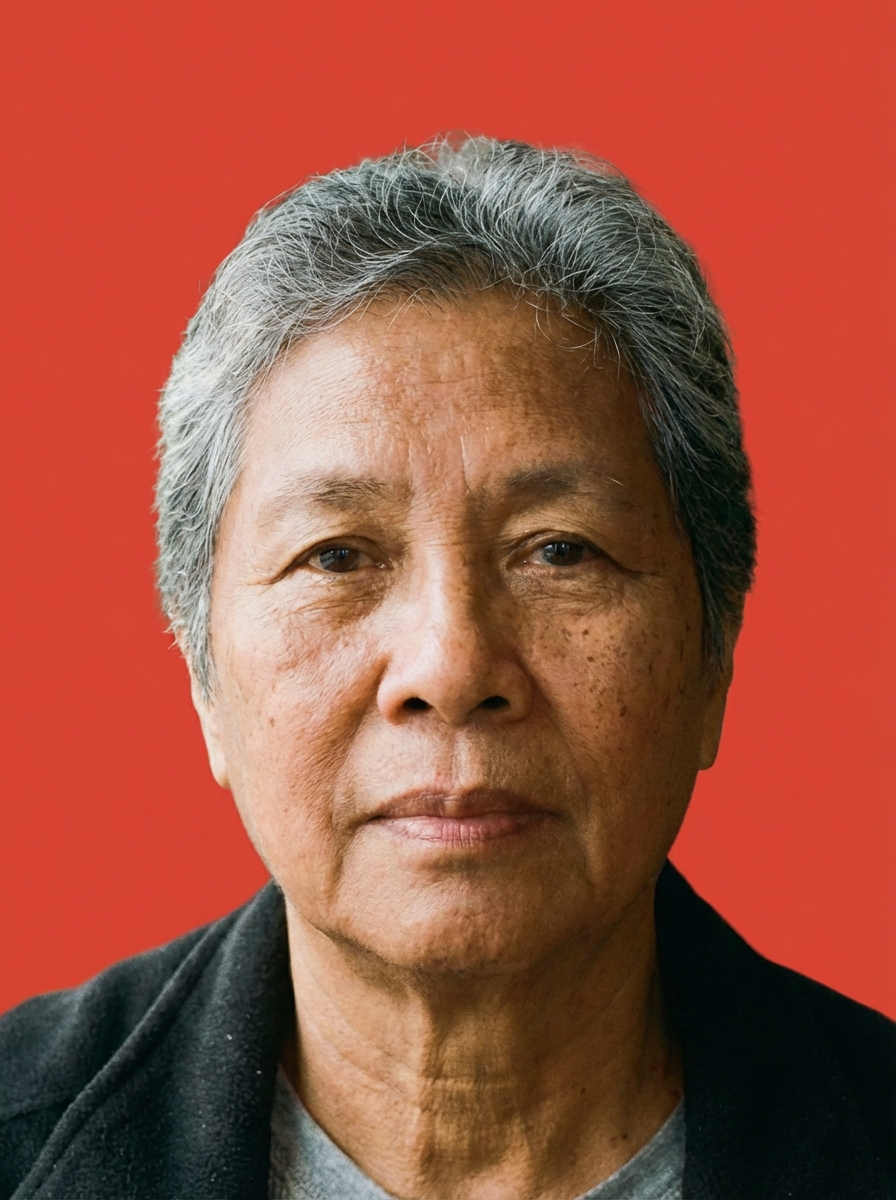
Graduation (Red)
Red background for graduation and certificate photos


Certificate (Red)
Red background for professional certificate photos
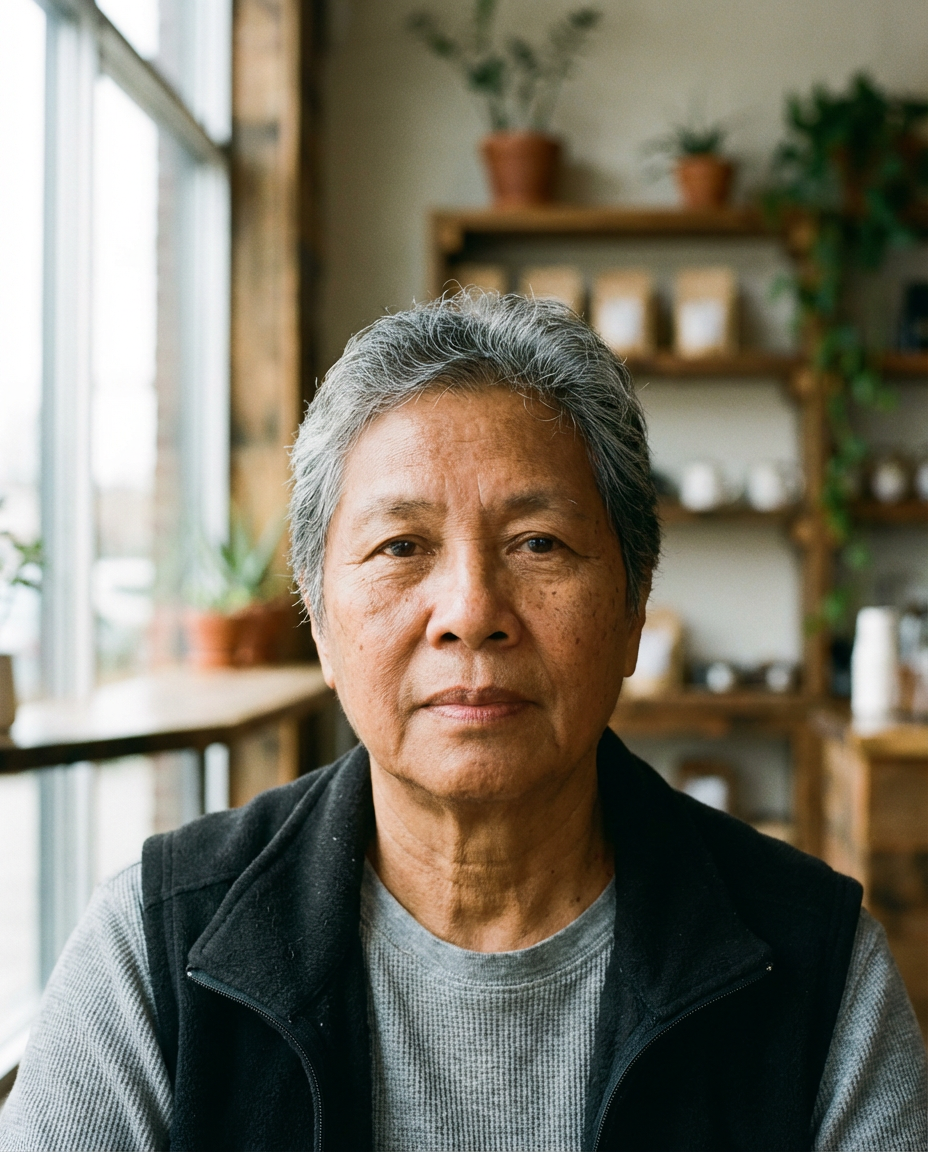
What is AI Passport Photo Maker?
AI Passport Photo Maker is an intelligent photo processing tool that transforms ordinary photos into professional ID photos that meet common official standards.
It automatically removes your original background, replaces it with a clean solid color (white/blue/red), and crops your photo to standard 3:4 ratio.
Whether you need a passport photo, visa photo, student ID, or employee badge, you can create a compliant ID photo in seconds—without visiting a photo studio.
ID Photo Background Colors
Choose the right background color for your document type
Most commonly required for passports, visas, and government IDs.
Often used for student IDs, employee cards, and some certificates.
Sometimes required for graduation photos and certain certificates.
Key Features of AI Passport Photo Maker
Everything you need for perfect ID photos
Automatic Background Removal
AI precisely separates the subject from the background—even around hair and edges.
Background Color Replacement
Switch to clean white, blue, or red backgrounds to match ID requirements.
Standard Ratio Output
Fixed 3:4 ratio for ID photos. The exact pixel size may vary depending on model output.
Compliance-Friendly Composition
Centers the face and keeps a typical ID-photo head size for a clean look.
Natural Enhancement
Optional subtle enhancement for better lighting and clarity—without over-editing.
Fast Processing
Generate a compliant ID photo in seconds.
Easy Download
Download your ID photo in PNG or JPG format.
Privacy First
Your images are processed securely and are not shared with third parties.
How to Create Your ID Photo
3 simple steps to get a compliant ID photo
Upload Your Photo
Upload any clear face photo. A selfie or casual photo works—make sure your face is visible and well-lit.
Choose Background
Pick a background color (white/blue/red). Output ratio is fixed to 3:4. Enable smart enhancement if needed.
Download Your ID Photo
AI processes your photo automatically. Preview and download your ID photo in the selected format.
Who Can Use AI Passport Photo Maker?
Perfect for travel, work, school, and official documents
Travelers
Create passport and visa photos at home with compliant ratio and background.
Job Seekers
Make clean ID photos for resumes, LinkedIn, and professional profiles.
Students
Generate student ID and exam registration photos quickly and affordably.
Employees
Create consistent photos for badges, access cards, and work IDs.
License Applicants
Prepare photos for driving licenses and other official applications.
See AI Passport Photo Maker in Action
Before & after examples across background colors
Passport Style White
Passport/visa standard with white background
Professional ID White
Professional profile photo with white background
Student ID Blue
Student ID style with blue background
Employee ID Blue
Employee badge style with blue background
Graduation Red
Graduation certificate style with red background
Certificate Red
Professional certificate style with red background
Related AI Tools
AI Background Changer
Remove and change image backgrounds with various styles and colors.
AI Photo Restoration
Restore and enhance old or damaged photos automatically.
AI Image Enhancer
Enhance image quality and upscale resolution.
AI Headshot Generator
Generate professional headshots with AI.
Frequently Asked Questions
Everything you need to know about AI Passport Photo Maker
Ready to Create Your ID Photo?
Upload a photo and get a compliant ID photo in seconds.